How to Send Xero Receipts Automatically
TLDR; Use the AutoReceipts addon.
If you use Xero, you’ve probably noticed something odd:
👉 You can send invoices automatically
👉 You can send reminders automatically
👉 But when a payment comes in?
You’re on your own.
There’s no built-in way to automatically send a receipt or payment confirmation when an invoice is paid.
That means one of two things usually happens:
- You manually email the customer, which is time-consuming
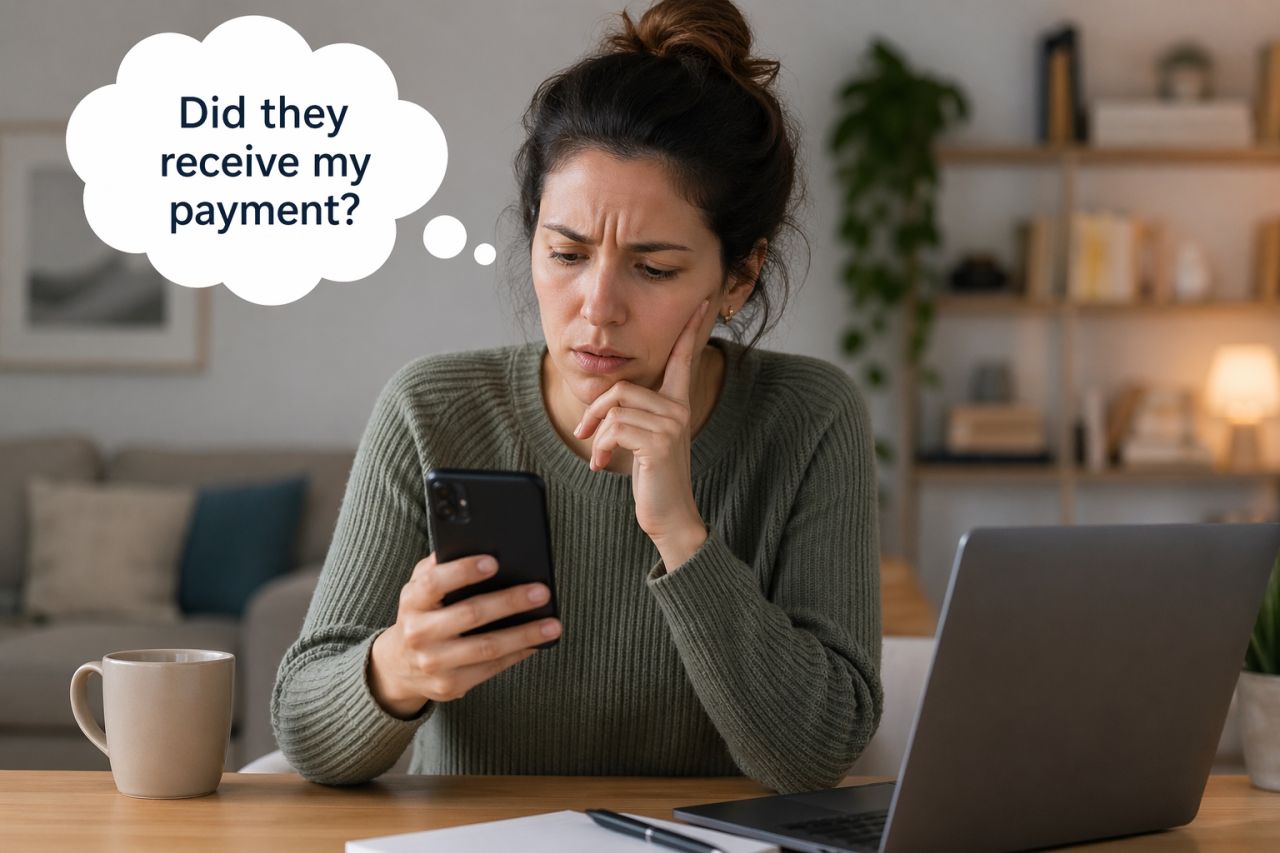
- You don’t send anything at all, which leaves the customer wondering if you received their payment.
Let’s walk through your options—and how to fully automate it.
The Problem: Xero Doesn’t Send Receipts Automatically
When a payment is recorded in Xero—whether:
- via bank reconciliation
- manually entered
- partially paid
- or paid in full
Xero updates the invoice… but doesn’t notify the customer.
For many businesses, this creates a gap:
- Customers aren’t sure if payment was received
- Bookkeepers spend hours sending confirmations
- Communication feels inconsistent
If you’re processing dozens (or hundreds) of payments each month, this quickly adds up.
Option 1: Send Receipts Manually
The default approach is manual.
Each time a payment comes in:
- Open the invoice
- Click “Email”
- Add a message
- Send it
This works… but it doesn’t scale.
Even if it only takes 1–2 minutes per receipt, that can easily become:
- 10 hours/month
- 100+ emails
- constant interruptions
Option 2: Automate Receipts with an Add-On
The easiest way is by connecting a Xero add-on.
This way, receipts are sent automatically the moment a payment is recorded in Xero.
How it works
- Go to autoreceipts.app
- Connect your Xero organisation
- AutoReceipts listens for payment events
- When a payment is recorded:
- A receipt is generated
- An email is sent to the customer instantly
No clicks. No reminders. No follow-up.
What Gets Sent?
Each receipt includes:
- Invoice details
- Payment amount
- Remaining balance (for partial payments)
- Your branding
So your customers always know:
- what they paid
- when they paid
- and what’s left (if anything)
Handles Real-World Scenarios
AutoReceipts isn’t just for simple cases.
It works with:
- ✅ Partial payments
- ✅ Bank reconciliation
- ✅ Manual payments
- ✅ Multiple payment methods
No matter how the payment is recorded in Xero, the receipt is sent.
Why It Matters
Sending receipts automatically isn’t just a “nice-to-have.”
It:
- builds trust with customers
- reduces back-and-forth emails
- keeps your business looking organised
- saves hours of admin every month
It’s one of those small details that makes your business feel polished.
Bonus: Outbound Payments (Remittance Advice)
AutoReceipts can also send remittance advice when you pay suppliers.
So instead of just customers being notified, your suppliers are too.
That means:
- fewer “Have you paid this yet?” emails
- clearer communication
- better relationships
Get Started
If you’re using Xero and want to stop manually sending receipts, you can get started in minutes.
👉 Connect your Xero account
👉 Turn on automatic receipts
👉 Let it run in the background
And from then on, every payment gets acknowledged—automatically.
Final Thought
Xero handles invoicing beautifully.
AutoReceipts fills in the missing piece:
what happens after the payment.
Once it’s set up, it’s one less thing to think about—and one more thing your business does right, every time.